
Text that adapts
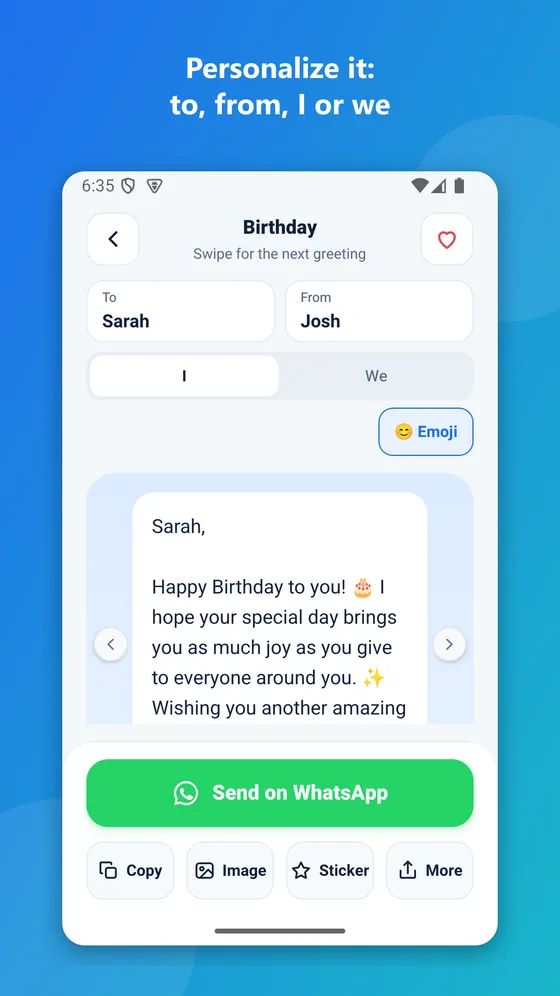
Written by I or we, to him, her or them – every word in the greeting changes instantly.
Hundreds of ready-made greetings for birthdays, Shabbat, holidays and life events. Type who it's to and from, and the text adapts itself. Turn any greeting into a designed card or a sticker and send it in a second.
The whole app in 48 seconds (in Hebrew)
No searching, no copy and paste – pick, personalize and send.
Written by I or we, to him, her or them – every word in the greeting changes instantly.
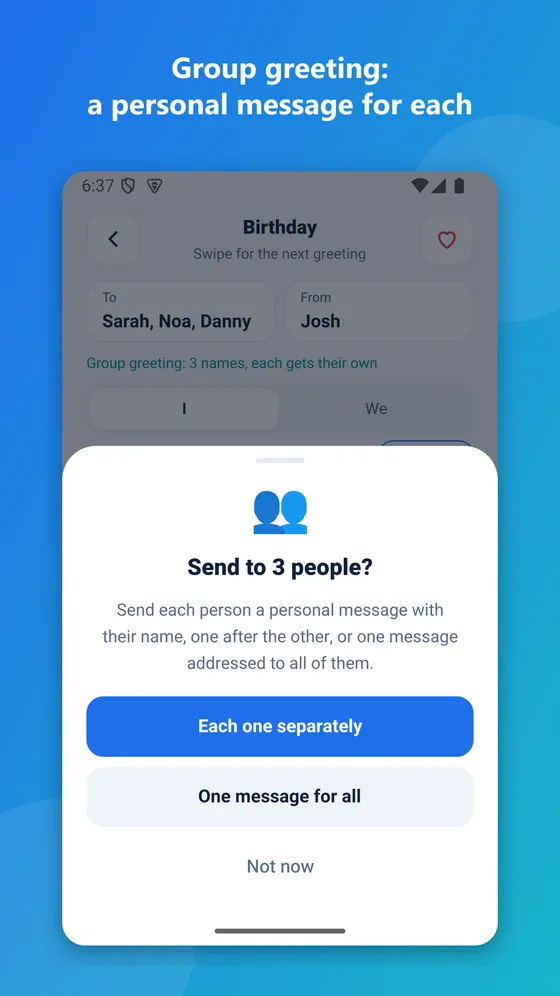
Type several names and each person gets a personal message with their name – or one message for all.
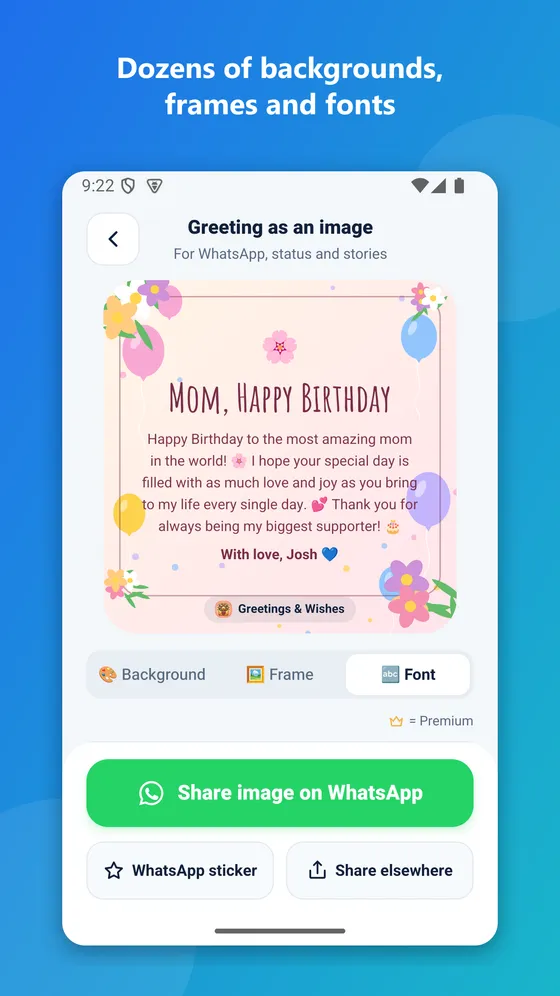
Dozens of illustrated backgrounds for every occasion, frames and fonts. Square for chats or 9:16 for status.
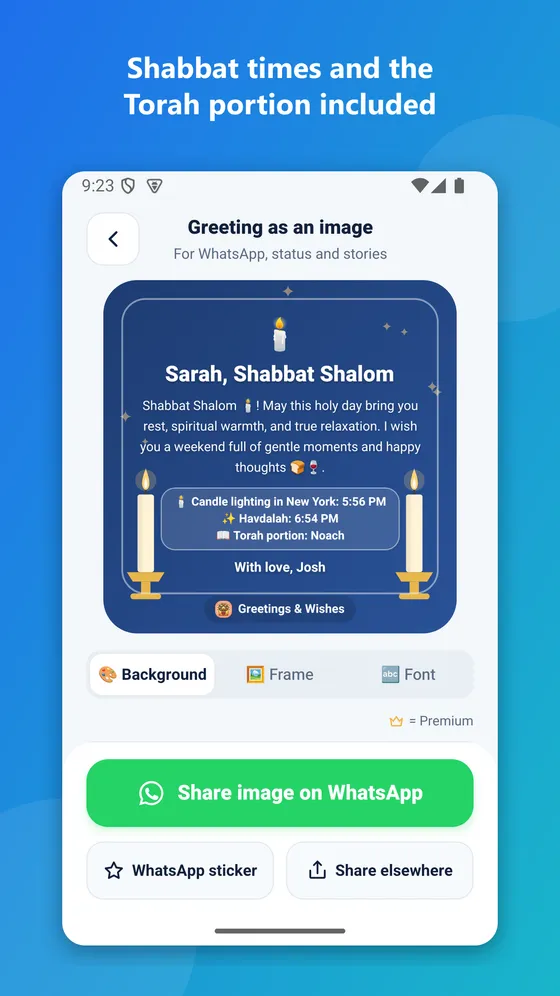
Candle lighting, havdalah and the weekly Torah portion for your city – or the recipient's.
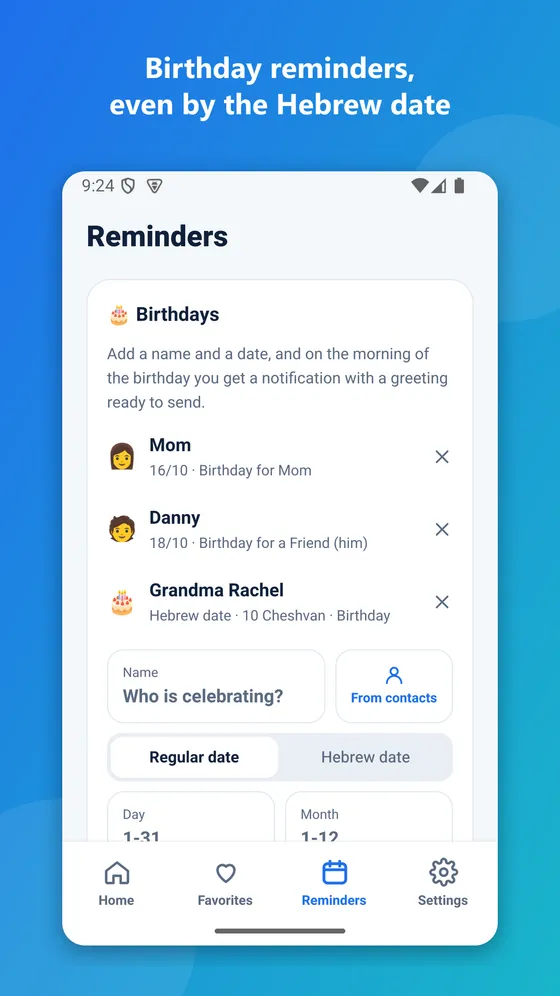
Reminders by the regular or the Hebrew date, with a Hebrew-date calculator.
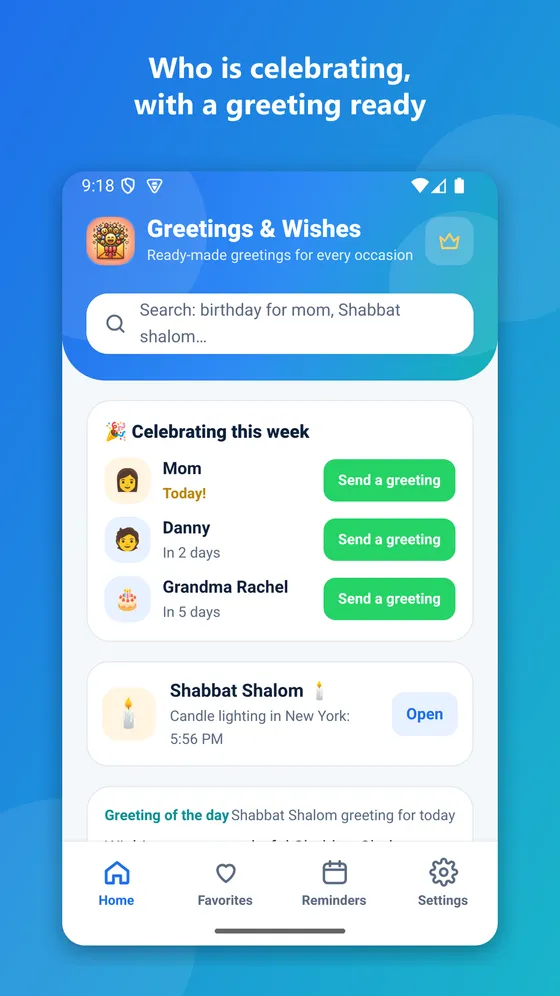
The home screen shows who's celebrating, one tap opens a greeting with their name.
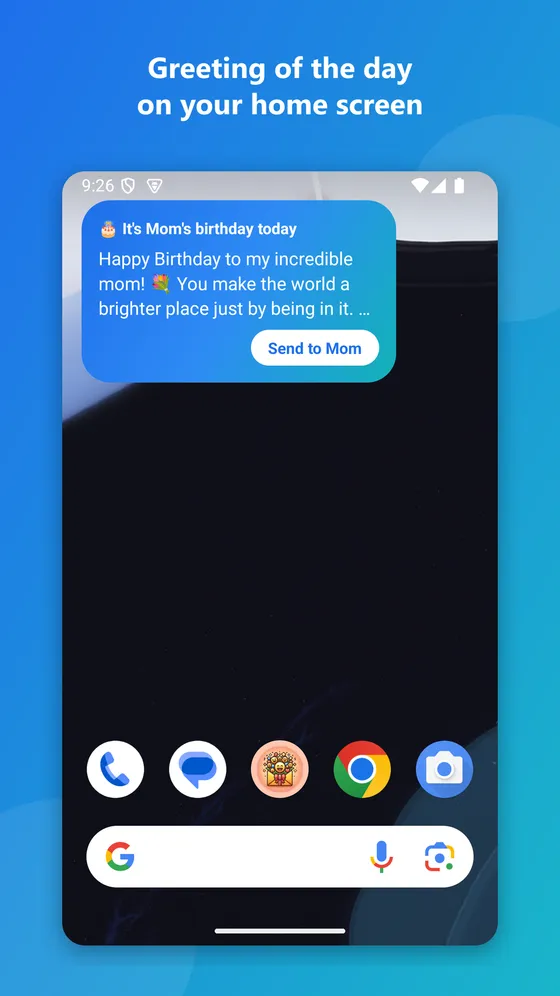
A new greeting every morning right on your home screen.
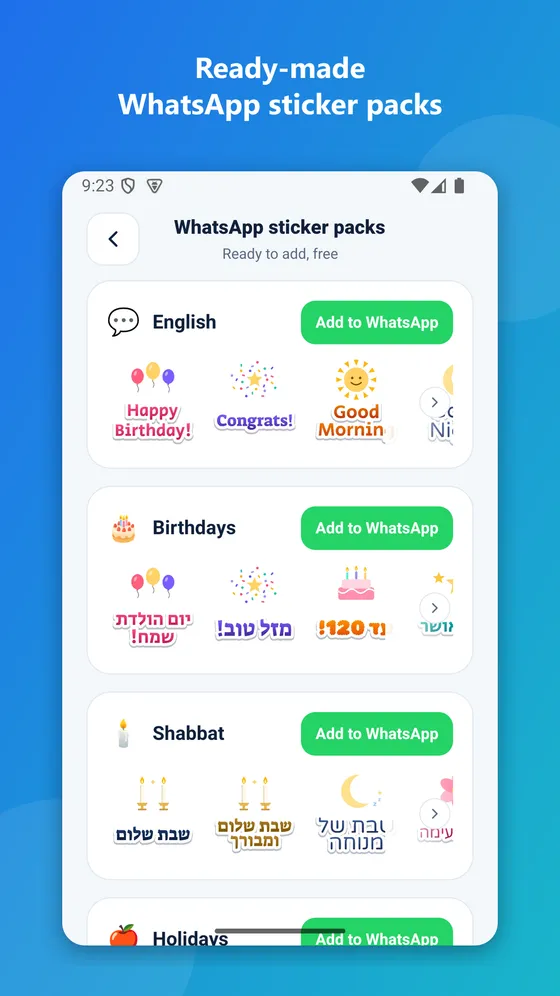
Ready-made packs for birthdays, Shabbat, holidays and everyday, plus stickers from your own cards.
Birthdays, Shabbat Shalom and holidays – a morning notification with a greeting ready to send.
Balloons for birthdays, candles for Shabbat, pomegranates for Rosh Hashanah, a menorah, spring flowers – every occasion gets matching backgrounds, plus gold, floral and heart frames and beautiful fonts.
Flip one switch and the greeting gets candle lighting, havdalah and the weekly Torah portion. Sending to someone in another city? Pick their city for that greeting only.
Add a name and date once, or pick straight from your contacts. On the morning of the day you get a reminder with a greeting ready, and the home screen shows who's celebrating this week.
Happy Birthday, Mazal Tov, Shabbat Shalom, Shana Tova, Good Morning and more – add a whole pack to WhatsApp in one tap. Any card you design can become a sticker too.
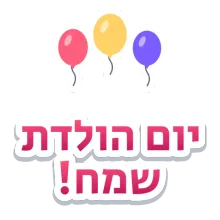
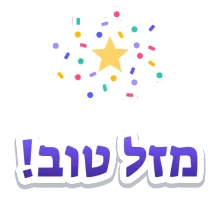

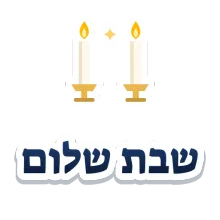








A widget with a new greeting every morning: good morning on regular days, Shabbat on Friday, the holiday greeting on holidays, and a birthday greeting when someone close is celebrating. One tap and it's ready to send.
Short videos of every feature (the app is shown in Hebrew).
Birthday, Shabbat, a holiday, wedding, new baby, good morning – and who receives it.
To, from and who writes. Edit any word, add Shabbat times or turn it into a card.
One green button opens WhatsApp with the greeting, or share it as an image, a sticker or to any app.
Without a subscription you can unlock a special design for one share after a short video.
Yes. Every greeting, personalization, Shabbat times, reminders, the widget and the ready-made stickers are free. An optional Premium subscription removes ads and unlocks every special design.
The iPhone version is on its way. Meanwhile the app is available for Android on Google Play.
Pick a greeting, fill in to and from, and tap "Send on WhatsApp". WhatsApp opens with the greeting ready – just choose the chat.
On your phone, for the city you choose, even offline: candle lighting 40 minutes before sunset in Jerusalem, 30 in Haifa, 20 elsewhere in Israel and 18 abroad; havdalah at nightfall.
Yes. Choose "Hebrew date" and enter the day and month, or calculate them from the birth date. The reminder comes on the right day every year.
No account. Reminders are stored on your phone, and picking from contacts only opens the contact you pick, without access to all your contacts.
In Reminders tap "Add to home screen", or long-press your home screen → Widgets → Greetings & Wishes.
On the home screen tap "Ready-made WhatsApp stickers" and choose a pack. You can also turn any greeting card into a sticker.
Yes. Switch the whole app to English in Settings, with English greetings for every occasion.
Download Greetings & Wishes for free.